Cyber Security
AI-assisted cyber attacks are
What the Five Eyes AI warning means for your website, and the practical steps to tighten security now.
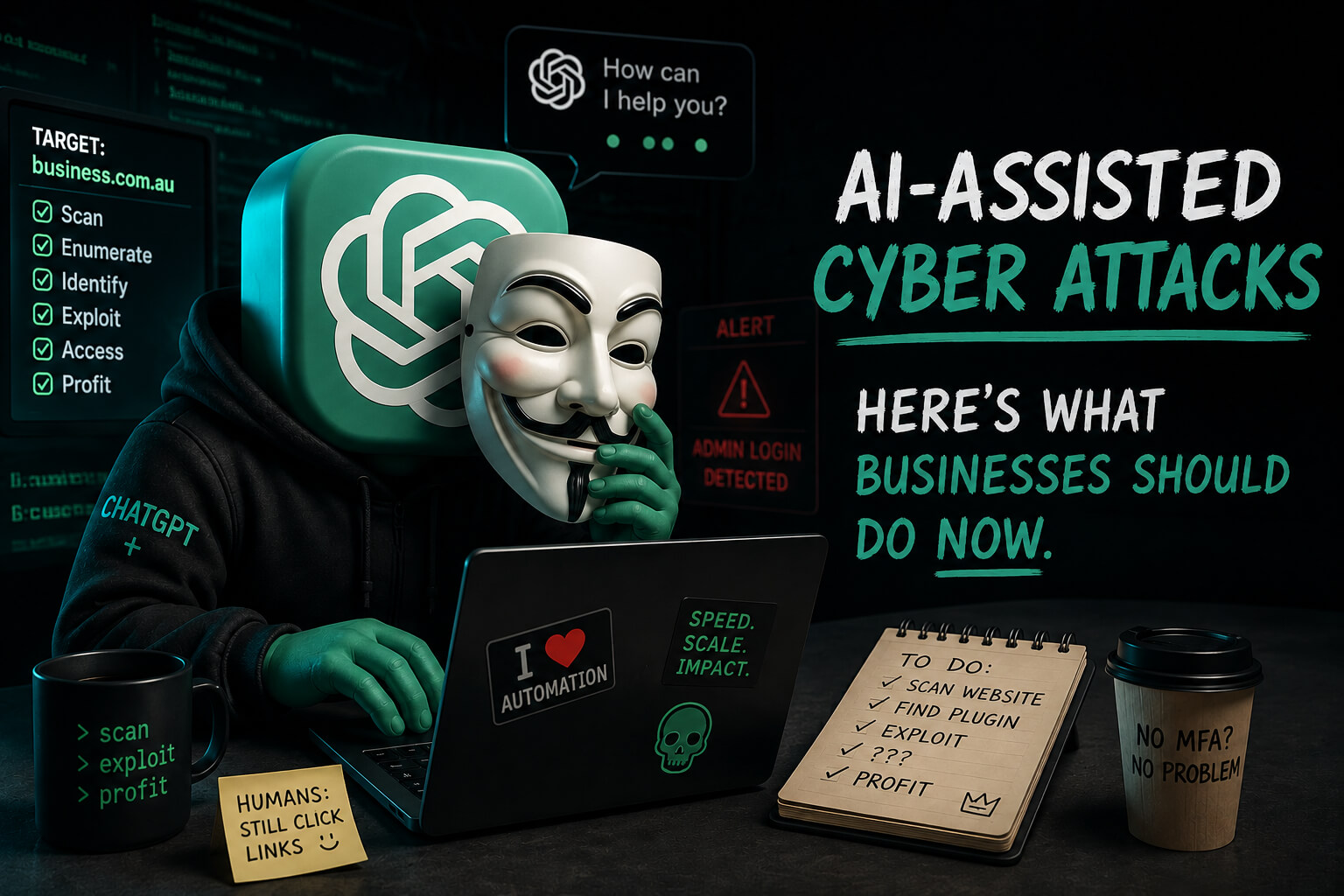
AI-assisted cyber attacks are moving faster. Here’s what businesses should do now.
A Five Eyes warning says AI is accelerating cyber threats. Here's what it means for business websites, and the practical steps to tighten security now.
Created: June 23, 2026 | Reading Time:


A recent Five Eyes cyber security agencies statement has a blunt message for business leaders: artificial intelligence is changing cyber risk, and the timeline is no longer years away. It’s months.
Issued by the Fice Eyes cyber security agencies of Australia, the United States, the United Kingdom, Canada and New Zealand, the statement warns that AI is increasing the speed, scale and sophistication of cyber threats. It also urges leaders to treat cyber security as a business risk, not just an IT issue.
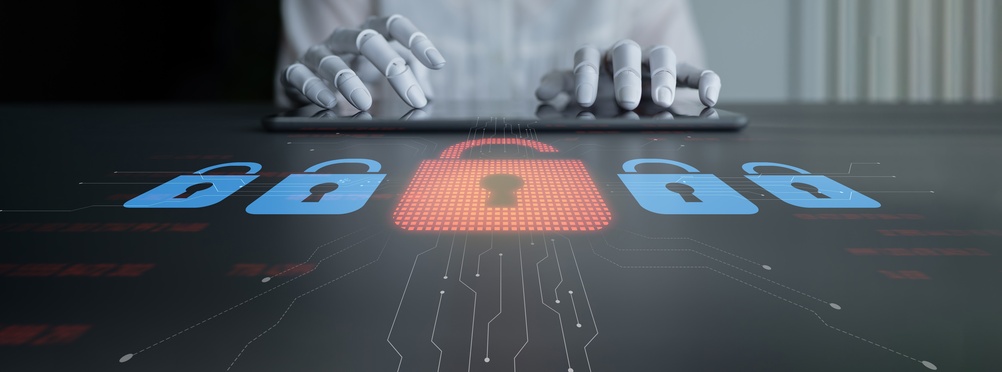
The Guardian’s reporting on Anthropic’s Claude Fable model shows why that warning matters. Advanced AI tools are becoming better at identifying vulnerabilities, assisting with exploit development and helping attackers work faster than before.
This doesn’t mean every small business is about to be targeted by an elite cyber unit. It does mean the gap between “basic website security” and “good enough security” is closing quickly.
For business websites – especially WordPress sites – the period ahead will come down to three things: speed, access and preparation.
The threat is becoming more practical
For years, most website attacks have relied on familiar weaknesses:
- outdated plugins
- weak passwords
- abandoned admin accounts
- poor hosting environments
- exposed login pages
- compromised staff devices
- missing backups
- slow patching
None of those have gone away. What’s changed is that attackers now have better tools to find and combine them.
AI-assisted attackers move through routine tasks much faster. They can scan for known vulnerabilities, write more convincing phishing emails, generate cleaner malicious code, automate parts of their workflow and adapt quickly when something doesn’t work the first time.
In practical terms, a website doesn’t need to be “high profile” to be at risk. It only needs to be exposed, outdated, or connected to a compromised account.
A real example: when MFA wasn’t the weak point
A recent incident on a client site shows how sophisticated these attacks have become.
Our monitoring detected unusual activity, and file integrity monitoring showed that WordPress core files had been modified. Our firewall and WAF contained as much of the attack as possible, but it still required manual intervention. The access point appeared to be an account with administrator-level WordPress access.
What made this one concerning is that multi-factor authentication hadn’t simply failed. The attacker bypassed it by using an active WordPress session cookie taken from the user’s computer. In plain English: they didn’t need a username, password and 2FA code at all. They reused a session that was already logged in.
That can happen when a local computer is compromised, or when a user is tricked into visiting a malicious website or interacting with a harmful email. Once an attacker has the active session, the website can treat them as the legitimate logged-in user.
We responded by changing the affected password, logging the user out of all devices, restricting file modifications inside WordPress and adding further alerts to the site.
The lesson is one every business should take on board: good security controls still matter, but they have to work together. A site can have MFA enabled and still be exposed if a device, browser session or admin account is compromised.
What you should be doing now
The right response isn’t panic. It’s tightening the basics before attackers get the chance to exploit them.
1. Secure every device used to access your website
If someone logs in from a compromised laptop, that device becomes the weak point.
Anyone with access to your website, email, CRM or hosting should be working from an up-to-date computer with active security software, current operating system updates and a secure browser. Shared machines, ageing devices and computers used by several people all add unnecessary risk.
The Australian Cyber Security Centre has published practical guidance for small businesses covering MFA, password managers, antivirus software, backups and software updates.
2. Use strong, unique passwords
Every admin account should have a unique password stored in a proper password manager.
Reused passwords remain one of the easiest ways in. If an unrelated service is breached and the same password is used for WordPress, email or hosting, an attacker doesn’t need to hack anything – they can simply log in.
3. Keep MFA on, but don’t rely on it alone
Multi-factor authentication is still essential. It significantly reduces the risk from stolen passwords and direct login attempts.
But as the example above shows, it isn’t a complete strategy on its own. Session theft, compromised devices and malicious browser extensions can all create risk even when MFA is active. Treat it as one important control in a broader stack, not the final line of defence.
4. Limit admin access
Not everyone needs administrator access.
Give people only the permissions their role requires. A staff member who only edits pages doesn’t need full admin control. And when someone leaves the business, remove their account immediately – old admin accounts are a common and entirely avoidable risk.
5. Be cautious with email links and login prompts
A growing share of attacks start with a convincing email.
Be wary of messages asking you to log in, verify access, review a file or update billing details. The safest habit is to open important systems directly rather than clicking links in emails. If something feels off, stop and check.
6. Keep WordPress, plugins and themes updated
Outdated software is one of the most common entry points for WordPress attacks.
The catch is that updates need care. Applying everything blindly can break a site; applying nothing leaves it exposed. That’s why managed updates matter – security patches need to go on quickly, but they also need to be tested, monitored and rolled back if something breaks.
7. Have a response plan before you need one
When a site is compromised, the first few hours count.
You should already know who to contact, who can make decisions, how backups work, which systems to check, and how you’d notify customers if required. A response plan doesn’t need to be complicated – it just needs to exist before the incident, not after.
What DeCODE does to protect clients
DeCODE Hosting is built on the idea that website care shouldn’t stop at “the site is online.”
Our managed hosting covers WordPress hosting, updates, security, monitoring, backups and ongoing care – fewer moving parts, and less responsibility sitting with business owners who don’t have the time or technical background to manage website security themselves.
Here’s some of what we have in place.
- Australian-based AWS infrastructure.Our hosting runs on Australian-based AWS infrastructure tuned specifically for WordPress, giving sites a strong foundation with performance, reliability and security built in from the start.
- 24/7 uptime monitoring.We monitor hosted sites around the clock, so we’re not relying on a client to be the first to notice a problem.
- Daily off-site backups.Every hosted site has daily off-site backups, giving us a recovery path if something breaks, is damaged during an update, or needs restoring after an incident.
- Core, plugin and theme updates.We manage WordPress core, plugin and theme updates for hosted clients. Updates are essential to security, but they need to be handled properly – and if one causes an issue, we can roll it back and investigate.
- Hardened WordPress security.We use custom server rules, file permissions and firewall protections designed specifically for WordPress, rather than relying on a generic plugin inside the site.
- Web application firewall protection.Firewall and WAF protections help block suspicious traffic before it can do damage – increasingly important as automated attacks become faster and more common.
- 2FA for WordPress admin access.We require two-factor authentication for WordPress admin access on hosted sites, helping protect against password-based attacks and unauthorised logins.
- File integrity monitoring.This helps detect unexpected changes to website files, including WordPress core files – important because many attacks involve quietly modifying files and hoping nobody notices.
- Malware scanning and alerts.Hosted sites are monitored for malware and suspicious changes, so issues can be investigated quickly rather than surfacing weeks later through a customer, a Google warning or a broken site.
- Restricting file modifications where appropriate.In higher-risk situations, we can restrict file modifications from inside WordPress, preventing files being added or changed through the dashboard and limiting what an attacker can do even if they reach the admin area.
- Human support.Security incidents are stressful because they’re not only technical – they affect customers, staff, operations and trust. When something happens, clients need clear communication and practical action: we explain what’s happened, contain it, restore control and help reduce the chance of it happening again.
What the next period looks like
The next phase of website security will be less forgiving. Expect more:
- phishing emails that are harder to spot
- attempts to steal browser sessions and cookies
- attacks using legitimate admin access rather than obvious brute force
- faster exploitation of plugin and theme vulnerabilities
- automated scanning across ordinary business websites
- attacks that combine email, devices, hosting and website access
- pressure to patch faster and keep fewer exposed systems online
This is why the Five Eyes warning matters for ordinary businesses, not just governments, banks and large infrastructure. Small and medium businesses rely heavily on websites, email, online forms, customer data, booking systems, payment gateways, CRMs and cloud tools. Those systems are now part of the business itself – and if they go down or are compromised, the impact is operational, financial and reputational.
The practical takeaway
The answer isn’t to avoid AI, or to assume every website will be attacked tomorrow. It’s to stop treating website security as a once-a-year task.
Secure your devices, use strong passwords, keep admin access tight, take email threats seriously, and make sure your website is actively maintained. On our side, DeCODE continues to strengthen the hosting, monitoring, firewall, update, backup and response systems behind client websites.
The best-prepared businesses won’t necessarily be the ones with the biggest budgets. They’ll be the ones that take the basics seriously, act quickly when the risks change, and have the right people watching their systems before something goes wrong.
If your website is still sitting on cheap hosting, unmanaged plugins, old admin accounts and no clear backup or response plan, now is the time to review it. Cyber risk is moving quickly – your website care needs to move with it.
On this page
We’re here to help you DeCODE the Digital World
DeCODE builds breathtaking websites that drive sales for your business without a price that would take your breath away.
We understand that Companies don’t need websites. Companies need a regular stream of high-quality leads. Customers eager, educated, and ready to purchase their products or share their vision. This is the core of a DeCODE build.
In 2026 websites are no longer set and forget, winning an online race is now a marathon, not a sprint. Visually stunning sites with limited back end functionality and no ability to perform in search are redundant.
At DeCODE we build sites that perform.


Ilana is a Web Designer & Development Consultant with 15+ years building websites that actually perform: ecommerce stores, membership platforms, training portals, and SEO rebuilds that turn slow, dated sites into properties that rank and convert.